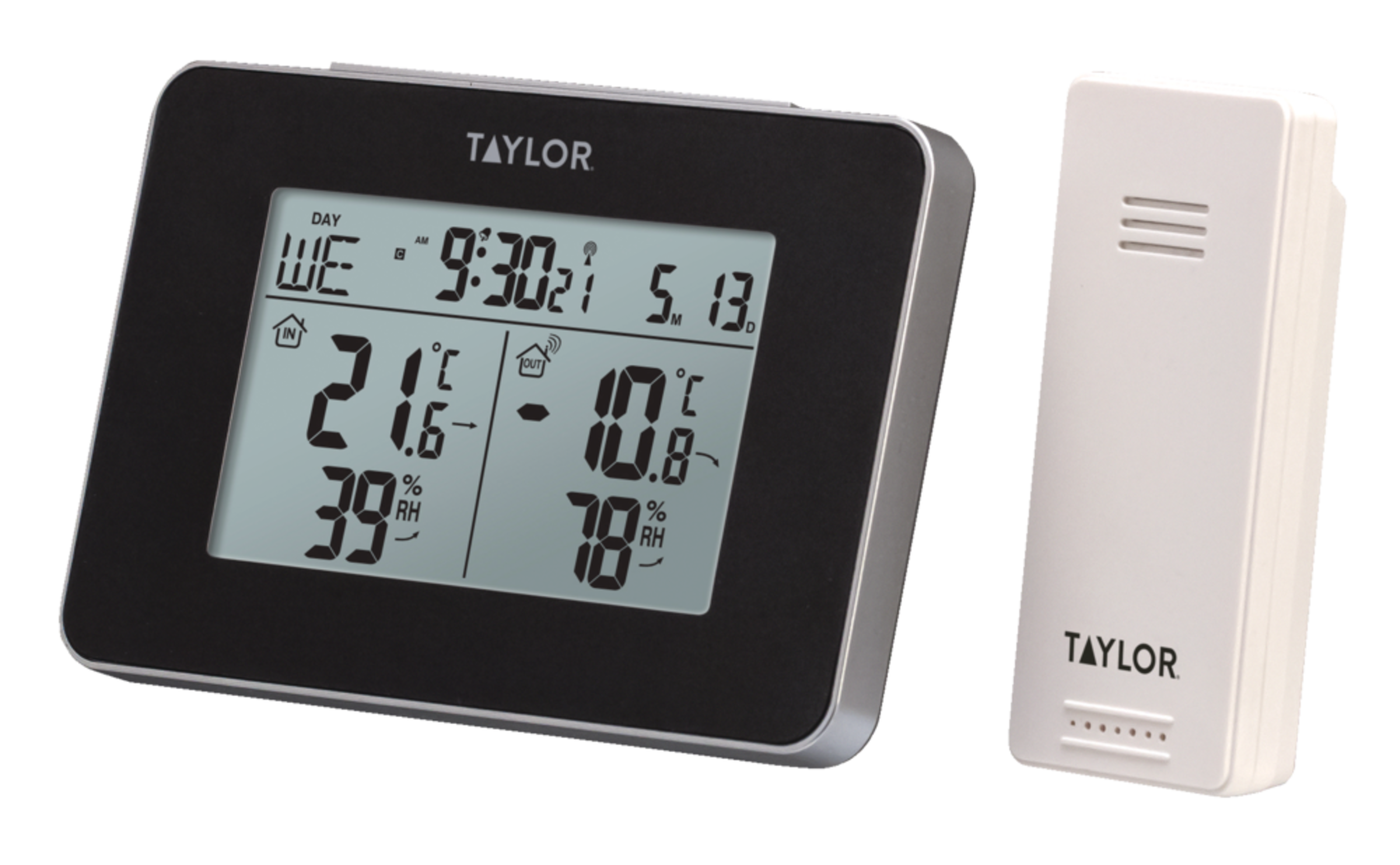


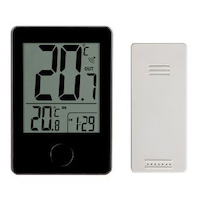
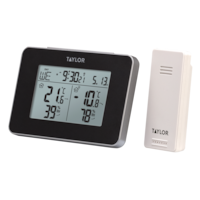
Taylor Indoor Outdoor Thermometer, Wireless Weather Station, Digital, LCD, Remote Sensor
- FREEAvailable
- Available
- Available
Pick up available 08:00 a.m., Dec 04


Only 3 left
Quebec residents: For information on maintenance and repair click here.
Similar Items
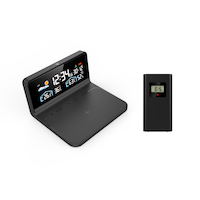
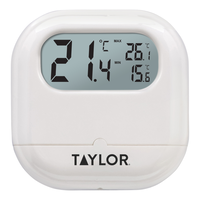
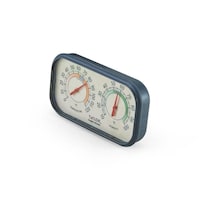



Product Details
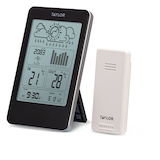
The Taylor Indoor Outdoor Thermometer helps you keep tabs on current weather conditions indoors and out. Tracking temperature and humidity readings from the wireless outdoor sensor up to 200 feet (61 m) away, it provides all the data needed to regulate your environment. The indoor display ranges from 0 to 50 degrees Celsius and the remote sensor from -20 to 60 degrees Celsius, enabling you to stay comfortable and prepared for sudden weather changes.
Accurate and easy to read
Calendar and clock with an alarm
Reads humidity and has a temperature/humidity memory
Reads temperature in both Celsius and Fahrenheit (°C/°F)
Temperature trend indicator and humidity trend indicator
Seven different language options (including French and English)
Indoor temp range: 32°F to 122°F (0°C to 50°C)
Outdoor temperature range: -40°F to 140°F (-40°C to 60°C)
Indoor receiver requires 2 x "AA" batteries (not included)
Wireless sensor requires 2 x "AAA" batteries (not included)
This product carries a 1 year exchange warranty redeemable at any Canadian Tire store
| Part Number | TY1731CAN |
|---|---|
| Display Type | LCD |
| Thermometer Type | Digital |
| Batteries Required Quantity | 4 |
| Battery Technology | Alkaline |
| Battery Type/Battery Size | AA |
| Primary Material | Plastic |
| Product Height (cm) | 20.50 cm |
| Product Length (cm) | 21.90 cm |
| Product Weight (g) | 209.00 g |
| Product Width (cm) | 5.00 cm |
|---|---|
| Accessories List | User Manual |
| Advanced Features | Digital Display, Wall Mountable |
| Package Depth (in) | 1.97 in |
| Package Height (in) | 8.07 in |
| Package Weight (lb) | 0.46 lb |
| Package Width (in) | 8.62 in |
| Scale | Celsius & Fahrenheit, Percent |
- This product carries a 1 year exchange warranty redeemable at any Canadian Tire store.
- Pick Up is free at most stores (some stores require a minimum order value before tax)
- Shipping fee is based on size and weight of products and distance from address to store
- Same-Day Delivery costs $9.99 per order
- Online Ordering Information
- Most products can be returned or exchanged at any Canadian Tire store within 90 days of purchase
- Some products are non-refundable and non-exchangeable
- The return policy outlined above may not apply to the product you are currently viewing. For complete details and eligibility, please refer to our Return Policy for exceptions.
Compare Similar Products
Only Show Differences | Currently Viewing | ||||
| Ratings | |||||
| Display Type | LCD | Backlit LCD | LCD | Analogue Readout | |
| Thermometer Type | Digital | Digital | Digital | Analogue | |
| Batteries Required Quantity | 4 | 2 | 1 | 0 |

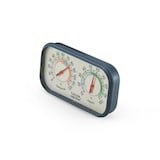
Shop Related Products
- Weekly Deals
- Customers Also Viewed
- Top Trending Products
- More From This Brand
Frequently Bought Together



$101.96
Review Highlights
Reviews
Filter Reviews
- accuracy
- price
- purchase
- battery
- satisfaction
- instructions
- batteries
- cordless
Weather station
Bon produit
Love it!!
FAIR indoor/outdoor thermometer.
Oui mais
Questions
Q: how do i turn off the alarm?
a year agoA: I had that happen also, has to do with the button on the top
a year agoHelpful?
Q: Taylor Indoor/outdoor weather station is not giving me an outdoor reading, just an indoor reading. I tried changing the batteries on the outdoor receiver but still no reading for outdoor temp. Do I need to reset something?
3 years agoA: Hello‼️. Try changing the battery in devise that goes outside. Once the batteries are changed or puy in weather station, the msin piece, just let it sit, the outside weatjer usually shows up in just a bit. If nothing shows up after hours, I would say theres an issue with either piece, Mine works Perfectly. Mine is a 3 piece, just added another main weather station to the brand new 2 piece. So the new outside piece works great with 2 main weather stations. Hope this helps. Jean
3 years agoHelpful?
Q: Why can i not see the readings on my Taylor indoor/outdoor wireless weather station unless i am very close to it?
3 years agoA: I also find it hard to read. The background should be a light colour so the numbers and letters show up better. As it is you have to get up close to read it. I would not buy another one without a change in it.
3 years agoHelpful?
Q: What is the little thing on the back of the thermometer that looks like a battery terminal? Obviously it is not meant for a battery I'm assuming?
4 years agoA: Not exactly sure what you are referring as it is installed outside. Yes there is a battery in both units - the one inside and the one outside
4 years agoHelpful?
Q: Does anyone know where I can get instructions for programming the time, date, etc.?
5 years agoA: Please email info@springfieldinstruments.com or call 1-800-387-8803 for a copy of the manual.
5 years agoHelpful?
Q: My weather station may be exposed to sunlight for a few hours late in the day. What happens to the weather station? Will it be damaged?
5 years agoA: The weather station will not get damaged but the temperature readings could be higher than they should be if it is in the sun.
5 years agoHelpful?
Q: I also lost my instructions papers on this unit. Where can I get the instructions for this unit? It turns out there are a lot of thermometer companies called Accutemp, and a lot of models of thermometer. Most specifically, I want to turn off the alarm.
7 years agoA: For a copy of the manual, please call our office at 1-800-387-8803.
6 years agoHelpful?
Q: I lost my instructions papers on this unit. Where can I get the instructions for this unit?
7 years agoA: For a copy of the manual, please contact Customer Relations at 1-800-387-8803.
6 years agoHelpful?
Q: How do you change the temperature reading to Celsius from Fahrenheit? Doesn’t say in the instructions but the promo cover sticker says it can be displayed in Celsius.
7 years agoA: With the unit ( on ), batteries installed, Push the ( - ) Minus symbol, on the back of the Main display. One quick push of the button and it will flip between c & F. These instruction do describe how to change from F to C.
7 years agoHelpful?