

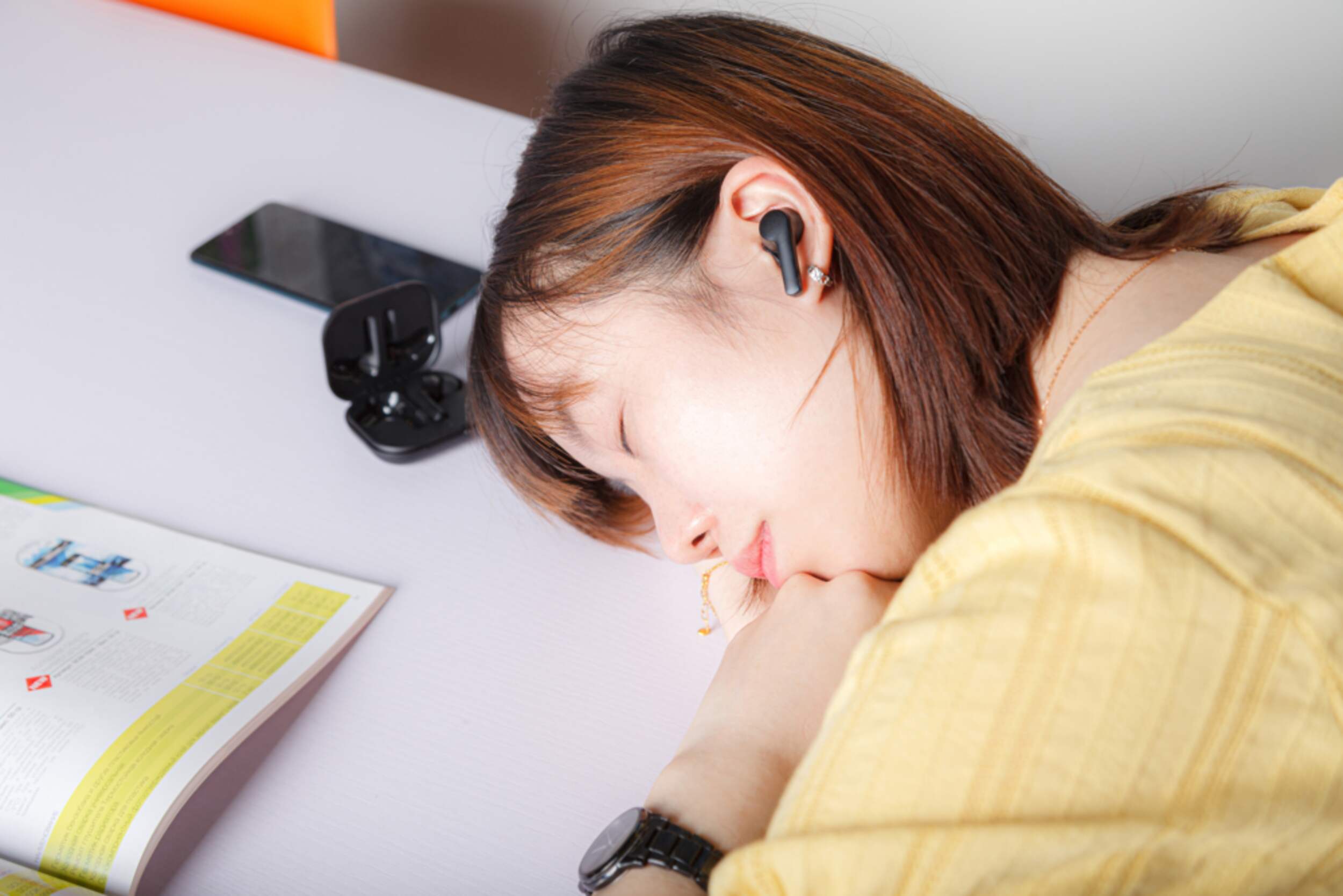


Bluehive BluePods Iso True Wireless Earbuds, with Charging Case for Running Gym Workout
Unfortunately, this product is discontinued in your selected store and nearby stores.
You may be interested in these similar products shown below.Similar Items

Quebec residents: For information on maintenance and repair click here.
Similar Items
Product Details
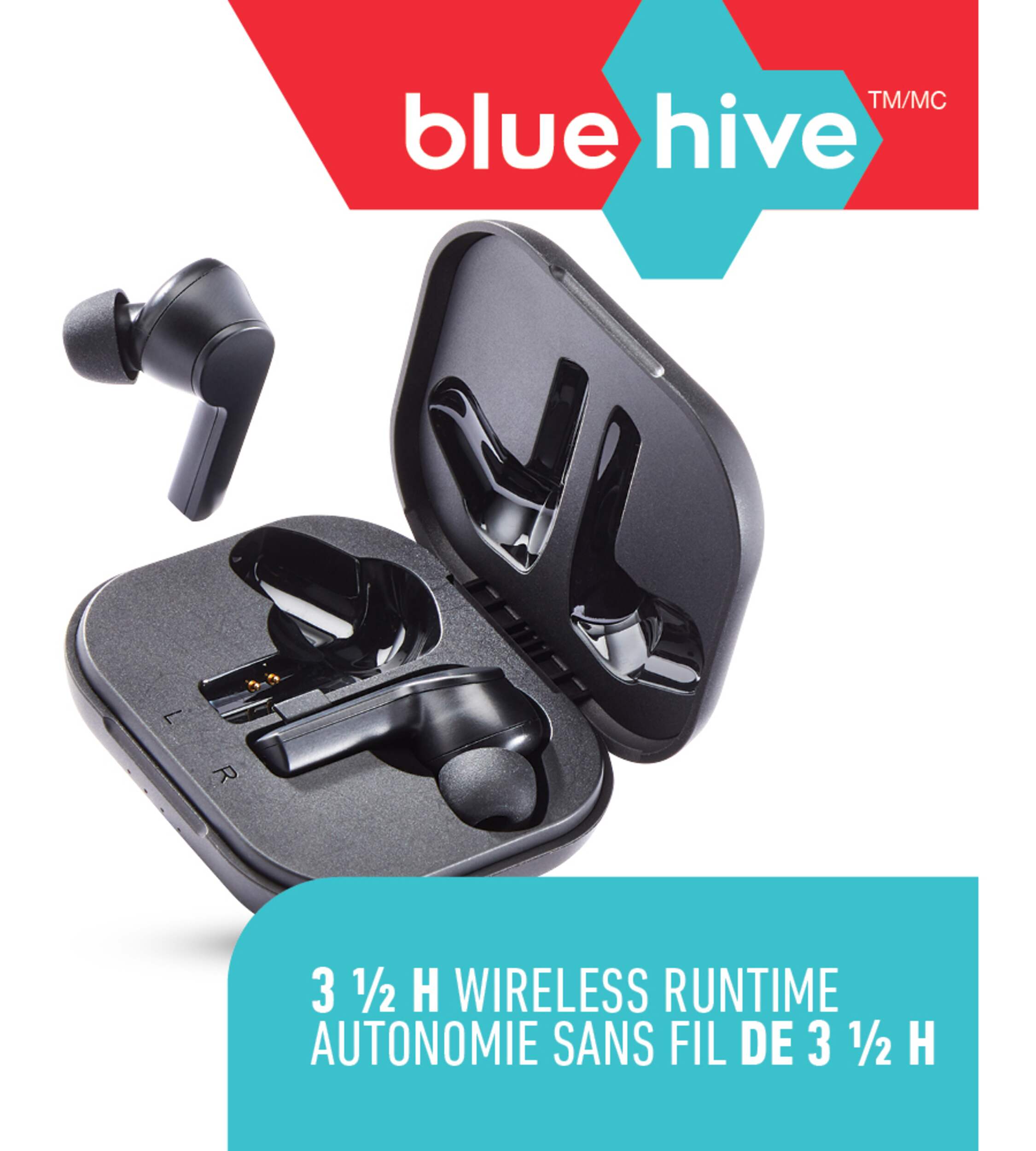
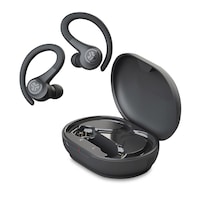
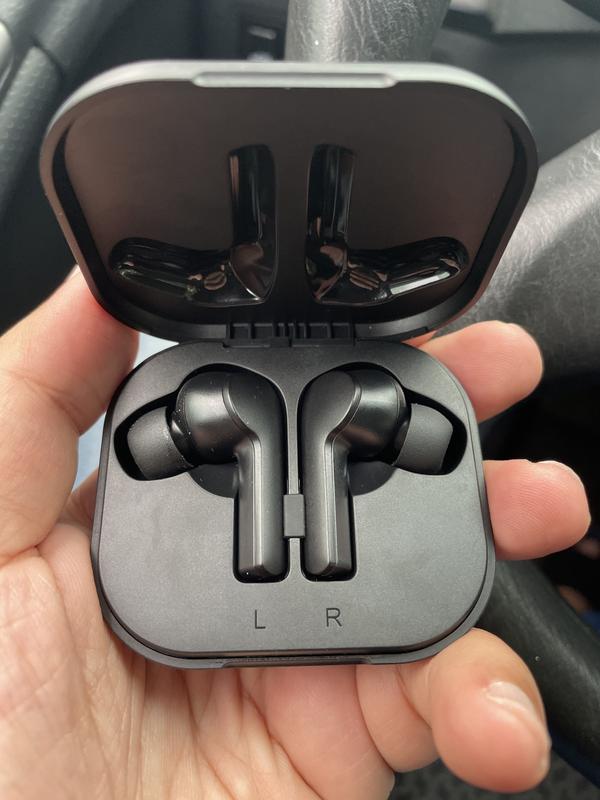
Featuring a fast charging case, the Bluehive BluePods Iso True Wireless Earbuds are perfect for gym sessions, long workouts, or casual usage. With a 3.5-hour wireless runtime and 4 charges in the compact case, these earbuds keep your music going with touch controls. These earbuds also have an ergonomic design, making them ideal for running and athletic exercise without having to worry about them slipping out. Their rich acoustics and stereo voice also make it easy to listen to music in noisier places, and a wireless distance of 30' (9.1 m) ensures that you can move around freely with your earbuds on. Compatible with iOS and Android devices, these earbuds have a 1-year warranty included.
Bluehive BluePods Iso True Wireless Earbuds have a 3.5 hour wireless runtime with 4 charges in the charging case
Built-in mic for hands-free calling, with touch controls
Rich acoustics and stereo voice
Wireless Distance: 30' (9.1 m)
Charged via Type-C Connector
Charge light indicator
Comfortable ergonomic-fit
Compatible with iOS and Android devices
| Part Number | IN190307 |
|---|---|
| Headphone Type | Earbuds |
| Smart System Compatibility | Bluetooth |
| Battery Life (hr) | 4 h |
| Colour | Black |
| Advanced Features | Built-in Microphone, Reusable, Wireless |
| Assembled Length (in) | 4.37 in |
| Assembled Width (in) | 1.18 in |
| Assembled Height (in) | 7.19 in |
| Effective Wireless Range (ft.) | 32.00 ft |
| Power Source | Battery |
|---|---|
| Battery Type/Battery Size | Integrated Rechargeable |
| Cushion Material | Silicon |
| Accessories List | Charging Case, Replacement Earbuds, Charging Cable |
| Number of Pieces | 1 |
| Wattage | 2 W |
| Minimum Frequency Range (MHz) | 0.00 MHz |
| Maximum Frequency Range (MHz) | 0.02 MHz |
- This product carries a 1 year exchange warranty redeemable at any Canadian Tire store.
- Pick Up is free at most stores (some stores require a minimum order value before tax)
- Shipping fee is based on size and weight of products and distance from address to store
- Same-Day Delivery costs $9.99 per order
- Online Ordering Information
- Most products can be returned or exchanged at any Canadian Tire store within 90 days of purchase
- Some products are non-refundable and non-exchangeable
- The return policy outlined above may not apply to the product you are currently viewing. For complete details and eligibility, please refer to our Return Policy for exceptions.
Compare Similar Products
Only Show Differences | ||||||
| Ratings | ||||||
| Headphone Type | Earbuds | |||||
| Smart System Compatibility | Bluetooth | |||||
| Battery Life (hr) | 4 h |


Shop Related Products
- Weekly Deals
- Customers Also Viewed
- Top Trending Products
- More From This Brand
Weekly Deals


Review Highlights
Pros
Cons
Reviews
Customer Images and Videos


Filter Reviews
- price
- purchase
- satisfaction
- quality
- sound quality
- use with phone
- connections
- charging
Not sure about these
Waste of money
No, I do not recommend this product.
Rarely ever work as a pair
No, I do not recommend this product.
Amazing sound quality
Beehive bluepods iso wireless earbuds
Yes, I recommend this product.
Questions
Q: Hi there, I cannot get these to sync at the same time for the life of me. I have tried the answers given to other people who asked the same question. Anyone else figure this out? Weary to exchange for a new pair as this seems to be a common issue.
4 years agoA: Disconnect from the Bluetooth device and turn off the Bluetooth on the device. Turn off both ear pods and place it in the charger and close the lid. After couple of seconds open the lid and pods should be flashing red and blue. Take them out at the same time. Touch and hold any pod for 3 seconds until you hear a beep. Then do the same on the other pod until you hear a beep. Now tap 3 times on one pod and you should hear a beeb which means they are sync. If you look at the lights one would flash red and blue and the other flash blue every 5 seconds. Now turn on Bluetooth and it only should show 1 BluePod to connect. Lights combination is very important. If they both flash red and blue at the time you connect to your device it will discover 2 pods individually. Once after a successful sync and lights combination you only should see one pod to connect. Hope this helps someone I spend 2 hours to find this combination.
2 years agoHelpful?
Q: I have tried re-pairing the headphones to each other as suggested and they still won’t pair. They were working fine and then lost pairing to each other. Now they only work independently. Is there anything else that I can do?
4 years agoA: You can put them in the case then take them out and tap the right earbud 3 times and they will pair together again.
3 years agoHelpful?
Q: Bonjour mon problème c que mes 2 écouteurs fonctionnes mais ne ce synchronise pas sur mon aply bluetooth sa ouvre le 2 écouteurs séparément j aimerais bien trouver la solution merci bonne journée
4 years ago- Translate with Google
A: Il suffit de de les replacer dans l’étui chargeur, ils se couplent automatiquement tel qu’indique dans le guide d’utilisation à la 6e page intitulée « Conseils pour couplage des écouteurs bouton True Wireless Bonne écoute
4 years agoHelpful?
Q: Bonjour un de mes deux écouteurs ne semblent pas se connecter, je ne sais pas quoi faire
3 years ago- Translate with Google
A: Veuillez suivre les étapes ci-dessous pour connecter les écouteurs : 1. Déconnectez et oubliez les deux "Bluehive BluePods Iso" dans la liste Bluetooth et désactivez le Bluetooth. 2. Éteignez et rallumez les deux écouteurs. 3. Vérifiez l'indicateur LED, les indicateurs des deux oreillettes doivent clignoter alternativement en bleu et en rouge, ce qui signifie qu'elles sont en cours d'appairage. 4. Appuyez trois fois sur l'écouteur gauche ou l'écouteur droit jusqu'à ce que "les voyants rouge et bleu de l'un des écouteurs clignotent alternativement, et que le voyant bleu de l'autre écouteur clignote une fois toutes les 5 secondes", ce qui signifie que les deux écouteurs sont appairés. 5. Ouvrez votre périphérique Bluetooth. Un seul "Bluehive BluePods Iso" doit apparaître dans la liste Bluetooth, vous pouvez le connecter à votre appareil.
3 years agoHelpful?
Q: G probablement mal posé ma question mais le but n était pas de retourner l article mais bien de résoudre le problème j aime bien l article je n arrive pas à jumeler les écouteurs j aimerais avoir une idée comment faire merci bien à vous rods
4 years ago- Translate with Google
A: Même chose de mon côté, je ne suis plus capable de jumeler les écouteurs. Ni sur mon vieux cell Motorola, ni sur ma tablette Samsung plus récente. Le problème est survenu en même temps sur les deux appareils...les écouteurs se rapprochent du recyclage!
4 years agoHelpful?
Q: How do I turn these on and off?
4 years agoA: Insert in ear push lightly on ear bud and hold fir about 3 seconds until it beeps
4 years agoHelpful?
Q: These are super irritating. My left earbud seems completely dead and doesnt turn on or pair at all. I tried following the instructions from the answers but nothing works for me. I just spent an hour fiddling with these. Completely useless.
3 years agoA: The defective product could be exchanged at your local Canadian Tire store.
3 years agoHelpful?
Q: My earbuds needed to be recharged. How can you tell when the earbuds have been fully recharged?
3 years agoA: Put the earbuds into the charging case to charge. During charging, the red LED indicator on the earbuds will be on. When the earbuds are fully charged, the red LED indicator will turn off.
3 years agoHelpful?

Q: Work great but I cannot lower the volume on the earbuds. With other earpods i can simply tap the left ear to increase volume and right ear to lower. But cant do it with these bluepods. I dont want to have to lower the volume on my phone or TV.
4 years agoA: Unfortunately, that is not a functionality provided with this product.
3 years agoHelpful?
Q: Charging case LED light isn’t turning on anymore. How to fix this?
4 years agoA: Pls kindly fully charge the charging case.
4 years agoHelpful?